

You're In. Now Choose to Do More.
See what makes a Stout education different.
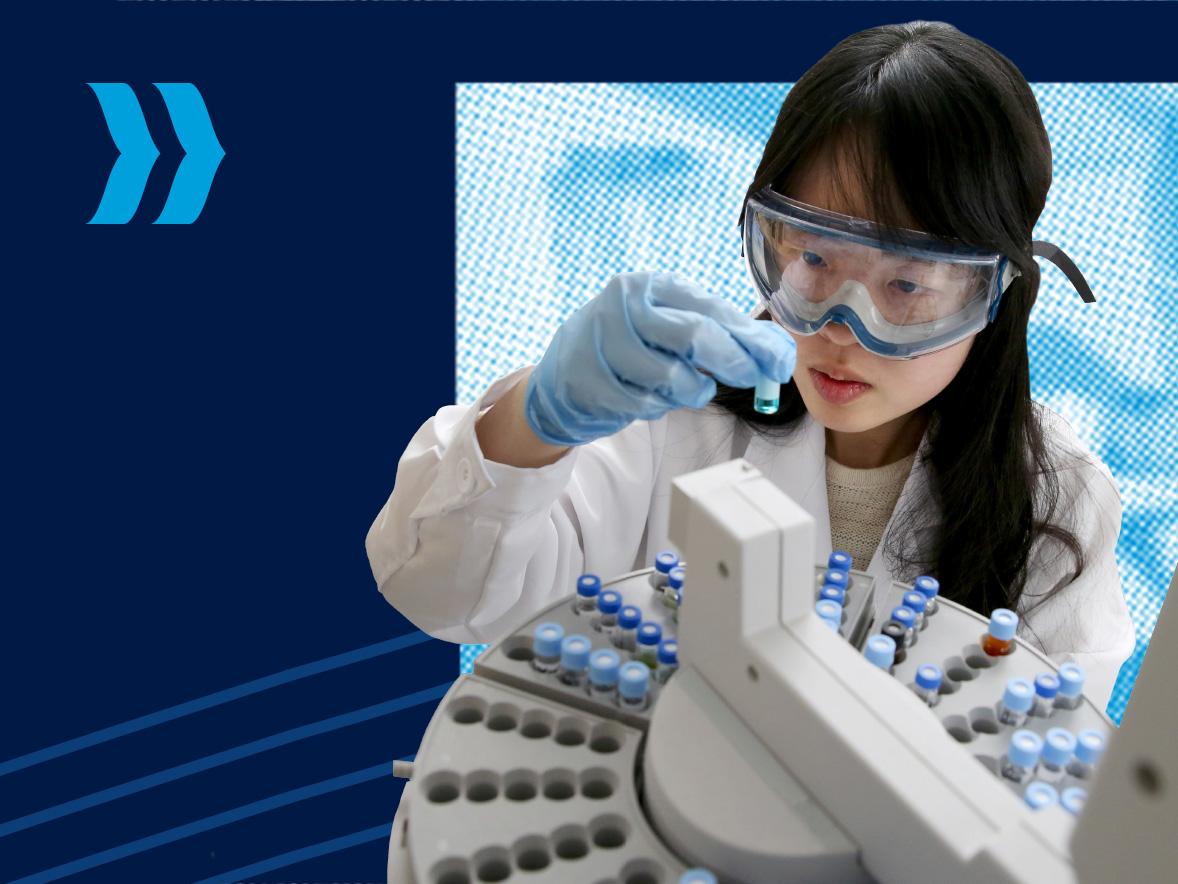
At UW-Stout Polytechnic, you won't spend four years learning about the work you hope to do someday. You'll start doing it from day one.
Here, what you learn doesn't stay in the classroom. You'll use technology, solve problems, create things, collaborate with others, and gain experience that prepares you for what's next. Now, take a closer look at what your Stout experience could be.
What Is a Polytechnic?
It's an education built around what you can do with what you know.
A polytechnic education brings together academic knowledge, technology, and experience. At UW-Stout Polytechnic, you'll put what you learn into action through applied learning and research, business and industry collaboration, and career-focused experiences.
You'll graduate with more than what you know. You'll graduate knowing what you can do.
See the Stout Advantage
What does "do on day one" actually look like?
Discover the experiences that make a Stout education different.
Business & Industry Collaboration
Career-Focused Experiences
Find Your People
Start finding your people before you even arrive.
Join Incoming Student CONNECT to start meeting other new students, find people who share your interests, and even start looking for a roommate. After you register for classes, CONNECT becomes your gateway to the full UW-Stout Polytechnic Campus App, where you can explore events, student organizations, and more.
See Yourself Here
The best way to understand Stout is to experience it.
Explore your major. See the labs and studios. Walk campus. Check out where you'll live. Meet the people who could become your professors, classmates, and friends.
Take the Next Step
You’ve made it this far. Now let’s get you ready for what’s ahead.
Your next steps are easy to find, and you don't have to figure them out alone. Your Blue Devil Checklist keeps you on track, and your admissions counselor is here when you have questions.